Combining Images, Project #1
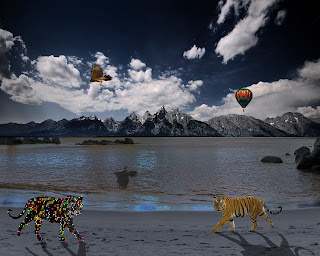
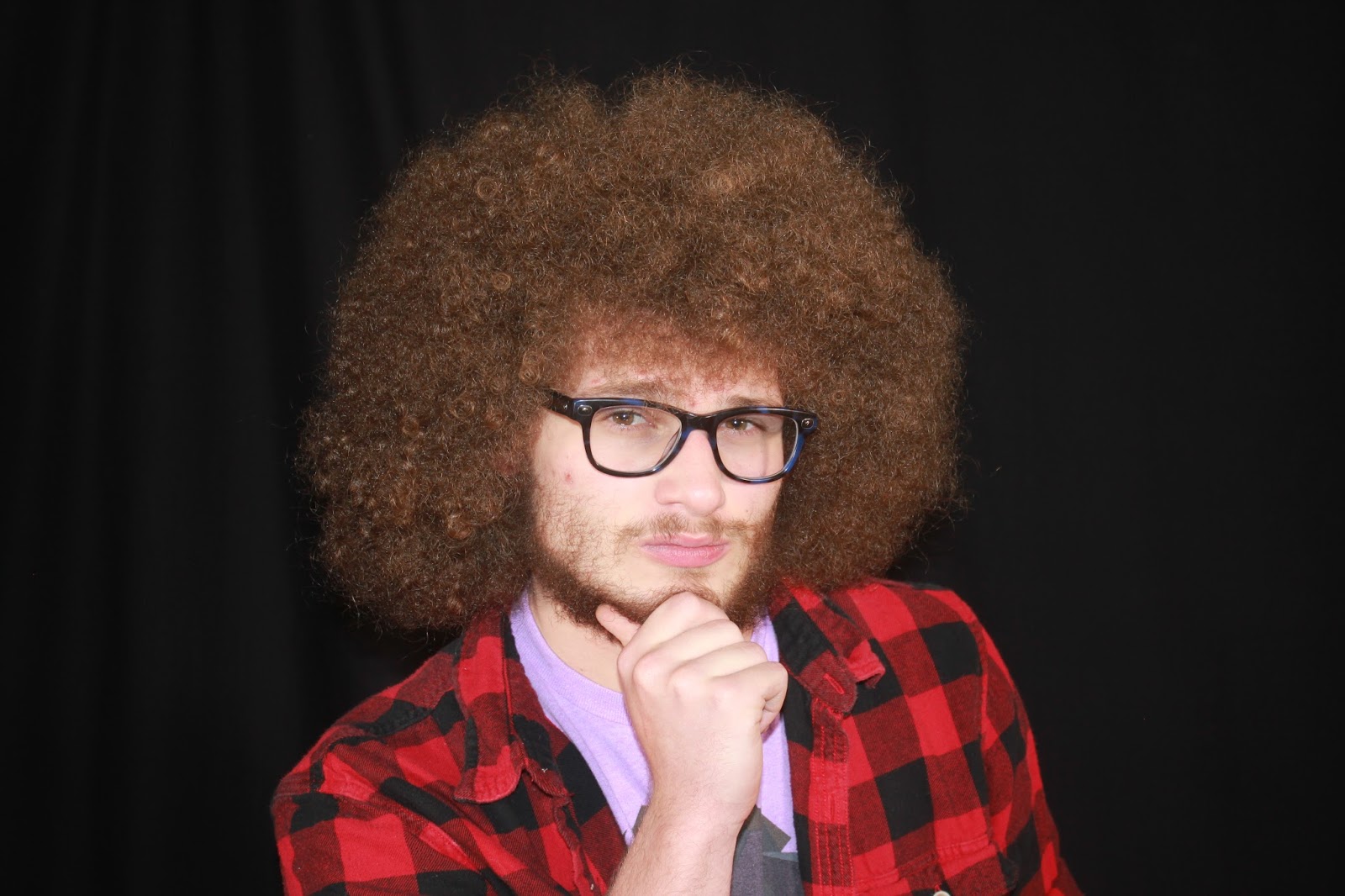
We will start at the beginning with Photoshop CS5 and learn how to create new files, open and save, layers, unsharp mask, and much more - the basics of photoshop. You will use the images below for the first assignment. The exact parameters of the assignment will follow. Good luck!
For 100% completion, you need to:
Create a 10" x 8" template at 180 resolution.
Include THREE of the objects into an integrated scene.
Change the background to a different background and/or color.
Clone stamp
Change the size and direction
Wednesday, August 31, 2016
Thursday, August 25, 2016
Welcome to Class!
Welcome to Class!
Hello Digital photo class, 1st trimester, 2016.
I am glad you are all here and excited to learn how to begin photo editing. We will start at the beginning with Photoshop CC and learn how to create new files, open and save, layers, unsharp mask, and much more - the basics of photoshop.

Exercises:


Friday, May 6, 2016
Final Camera Shoot!
Final Camera Shoot
Finals!
Camera Control - As we finish the trimester, let's set the camera controls manually with the dials to create the effects we want. You will take a total of (at least) 20 pictures that will have five different settings:
4 pictures that show Frozen Motion - Setting:TV with a shutter speed of 1000+
4 pictures that show Blurred Motion - Setting:TV with a shutter speed of 60 or less
4 pictures that show Panning - Setting:TV with a shutter speed of 60 or less, must move with subject.
4 pictures that show Great Depth of Field - Setting:AV with an F-stop of 22+
4 pictures that show Shallow Depth of Field - Setting:AV with an F-stop of 5.6 or less
You will be editing these 20 images for a "Best of" presentation.
This is your final and worth 30% of your grade. Show me what you can do, both with the camera, and in the lab. Good Luck!
WHAT ELSE?
Friday, we will take our Certified Technology test. Be sure to be on time!
Subjects to be covered:
Basic Digital Photography
- Workflow - Digital Camera Setup, image capture and transferring files to a computer.
- Evaluate image quality.
- Demonstrate use of software by editing images appropriately.
- Appropriate file size and type.
- Basic Camera Settings (Sports, Landscape, Macro, Portrait)
- Necessary equipment to download images.
- Basic camera operation and accessories (Tripod, Lighting, Flash).
- Basic composition - Rule of thirds, leading line, mirror images, simplicity, point of view.
- Digital Print for exhibition
Finals!
Camera Control - As we finish the trimester, let's set the camera controls manually with the dials to create the effects we want. You will take a total of (at least) 20 pictures that will have five different settings:
4 pictures that show Frozen Motion - Setting:TV with a shutter speed of 1000+
4 pictures that show Blurred Motion - Setting:TV with a shutter speed of 60 or less
4 pictures that show Panning - Setting:TV with a shutter speed of 60 or less, must move with subject.
4 pictures that show Great Depth of Field - Setting:AV with an F-stop of 22+
4 pictures that show Shallow Depth of Field - Setting:AV with an F-stop of 5.6 or less
You will be editing these 20 images for a "Best of" presentation.
This is your final and worth 30% of your grade. Show me what you can do, both with the camera, and in the lab. Good Luck!
WHAT ELSE?
Friday, we will take our Certified Technology test. Be sure to be on time!
Subjects to be covered:
Basic Digital Photography
- Workflow - Digital Camera Setup, image capture and transferring files to a computer.
- Evaluate image quality.
- Demonstrate use of software by editing images appropriately.
- Appropriate file size and type.
- Basic Camera Settings (Sports, Landscape, Macro, Portrait)
- Necessary equipment to download images.
- Basic camera operation and accessories (Tripod, Lighting, Flash).
- Basic composition - Rule of thirds, leading line, mirror images, simplicity, point of view.
- Digital Print for exhibition
Do’s
|
Don’ts
|
· Your 20 best images as follows-
· 4 Candids, 4 Posed, 2 Landscapes
10 Camera Control- 2 from each category, w/2 freebies.
· All images are edited for best quality – How much
or little you edit is up to you.
· Crisp, Clean, Clear
· Good Composition based on the image.
· Opened with Preview for easy viewing.
|
· Pixelated, blurry images
· Template background showing, bad crop
· Opened in scattered files/photoshop
· Not finished/edited.
· Pictures taken with cell phone.
|
Wednesday, May 4, 2016
Dates, Deadlines, Finals, What we need to do to keep on Track!
Deadlines: The Rest of the Year??!
2nd Camera Shoot Portraits: 10 Candid/10 Posed - May 4th and 5th
Intro to 3rd/Final Camera Shoot Manual Control - May 6th
Four Lightroom Shots Edited - May 12th and 13th
10 Portraits: 4 Edited Posed/4 Edited Candid/2 Freebies- May 12th and 13th
Collaged Magazine Self Portrait - May 13th
Final Camera Checkout - May 19th
3rd/Final Camera Shoot Manual Control Functions, 20 Shots/Five Categories - May 23rd and 24th
Final Sketch Check and a 2 Best of Edits from Each Category Manual Control/Everything Turned in and we are done for the year and will check off everything and be done and done and done:
MAY 27th 2016
Senior Checkout: May 31st
Everyone else Checkout: June 1st
Senior Graduate: June 2nd @ 2pm
2nd Camera Shoot Portraits: 10 Candid/10 Posed - May 4th and 5th
Intro to 3rd/Final Camera Shoot Manual Control - May 6th
Four Lightroom Shots Edited - May 12th and 13th
10 Portraits: 4 Edited Posed/4 Edited Candid/2 Freebies- May 12th and 13th
Collaged Magazine Self Portrait - May 13th
Final Camera Checkout - May 19th
3rd/Final Camera Shoot Manual Control Functions, 20 Shots/Five Categories - May 23rd and 24th
Final Sketch Check and a 2 Best of Edits from Each Category Manual Control/Everything Turned in and we are done for the year and will check off everything and be done and done and done:
MAY 27th 2016
Senior Checkout: May 31st
Everyone else Checkout: June 1st
Senior Graduate: June 2nd @ 2pm
Tuesday, May 3, 2016
Wednesday, April 27, 2016
Group Portrait Shoots, Lighting and editing
We will be using our NEW Lighting equipment to learn about how to properly light the face for portraits by starting shooting in groups. Using both a stationary camera on a tripod and a floating camera, we will use our three lights, Main, Kicker, and Back light to capture FOUR different images that will show:
1. Correct lighting
2. Too warm
3. Too cool
4. High Contrast
We will be working in groups of 4-5 students and will rotate camera duties, posing, and lighting duties. After the shoot, you will be editing YOUR images to show the FOUR categories, so make sure that everyone in your group is responsible for their jobs so you get the best lighting/pictures/examples.
We will talk more in class, but get started, let's see how awesome a lighting studio and portraits can be!
1. Correct lighting
2. Too warm
3. Too cool
4. High Contrast
We will be working in groups of 4-5 students and will rotate camera duties, posing, and lighting duties. After the shoot, you will be editing YOUR images to show the FOUR categories, so make sure that everyone in your group is responsible for their jobs so you get the best lighting/pictures/examples.
We will talk more in class, but get started, let's see how awesome a lighting studio and portraits can be!
Tuesday, April 12, 2016
Photo Shoot #2: Portrait and Candid

Your next shots will be portrait/candid photographs. You will checkoff 10 portraits and 10 candids with me on April 26th. Remember our class discussions about the difference between a candid and a portrait. Keep in mind the 4 to one ratio, so while you are only checking off 20 total with me, you will most likely need a minimum of 80 pictures taken to find 20 good ones for further editing.
In the meantime... we will be doing more research into the wonderful world of Digital Photography and learning more about our editing software. Finish up editing your 10 Landscapes so we can start grading those, Five Best of's and Five altered.
Subscribe to:
Posts (Atom)