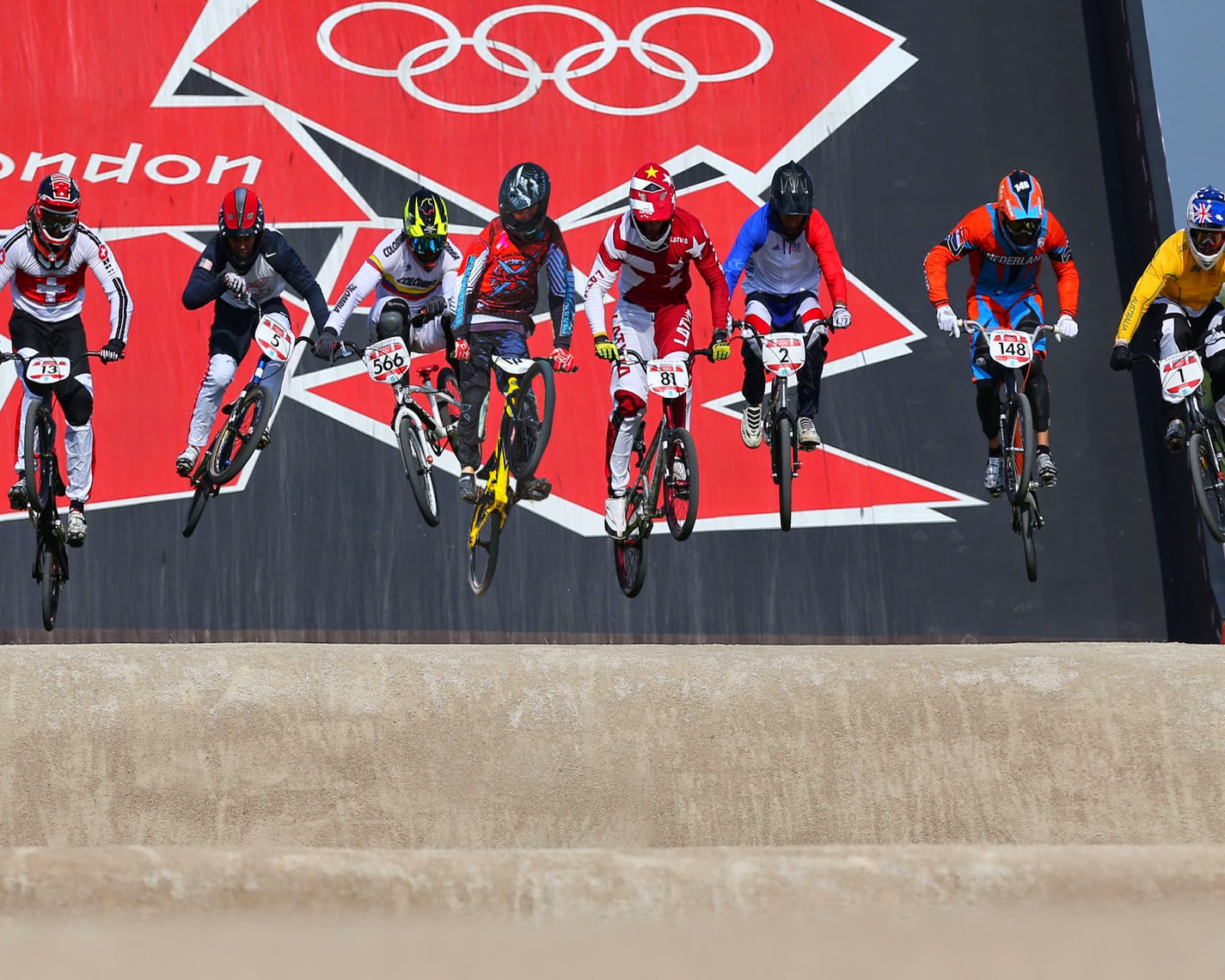
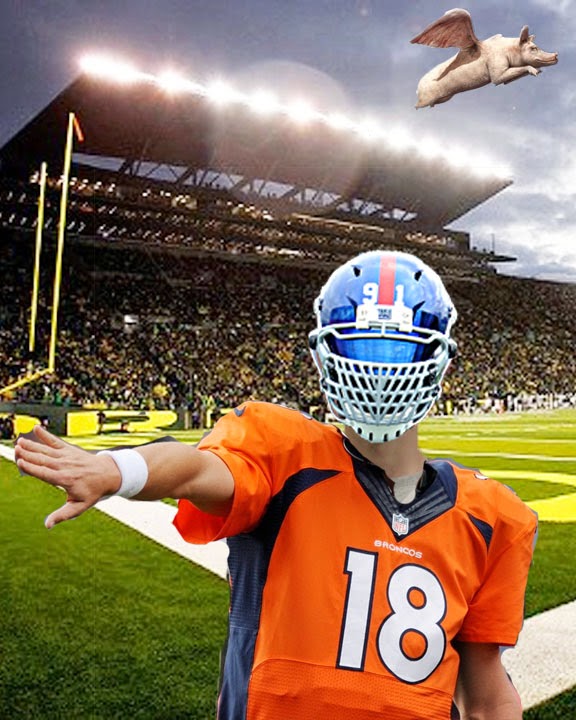
Alrighty then, time to get weird. With Halloween right around the corner and all of the good work we've done with portraits and faces, let's put our editing skills to the absolute profile/portrait/personality test!
Start with a "famous couple". Whether in history (King Richard the 8th and pick a wife, any wife), the movies (Butch Cassidy and the Sundance Kid, the Notebook) or Celebrities/Politicians (Brad and Angie, Prince Edwards and Kate) our goal is to find a couple that we can then merge their faces.
My (Chandler) examples:
Wednesday, October 29, 2014
Tuesday, October 7, 2014
Project 2: Portrait and Candid - 4 "Best Of's" Due Thursday, Oct. 30!!!
Portrait Photography: 2 edited Candids and 2 edited Posed, Due Date - 10/30/14
Your next shots will be portrait/candid photographs. You will shoot 10 portraits and 10 candids. Remember our class discussions about the difference between a candid and a portrait. Keep in mind the top 10 Do's and Don'ts when shooting portraits. You may edit the shot as you see fit for a total of 20 photos.
In the meantime... While we take the time to shoot our portraits and edit our pictures, we will also be doing more research into the wonderful world of Digital Photography and learning more about our editing software. We will work on this Project concurrently with project #2.
Project 3: In class editing, Re-Writing History
For your next project you will be editing an existing photograph/image and placing yourself into the existing shot. You will need to find a famous or recognizable shot on Google Images and (must be at least 500x500 pixel size) place yourself into it. You must place at least your face, but you can use your entire body. Your grade for this project will be based on the quality of your editing not on your ideas (though cleverness does indeed count). This is a chance for you to show me your Photoshopping skills.
Tuesday, September 23, 2014
Project #1 - 5 Landscapes
You have 10 images due for your next project. You will need to have 5 landscapes: 1 original version and one altered version. The amount and type of alteration is up to you, we will review the images on the computers so no need to print out your images.
Remember our discussions about landscapes, use your editing tools as necessary and have fun!
Tuesday, September 16, 2014
Research - Cameras, SLR's, Photo equipment
Let's start with some research -
What is an SLR camera?
How much do the cost (range from low to high)?
Compare and contrast three SLR's and compile them into a collage with the main features, prices and drawbacks of all three.
Next up - Shooting assignment #1 Landscapes!
What is an SLR camera?
How much do the cost (range from low to high)?
Compare and contrast three SLR's and compile them into a collage with the main features, prices and drawbacks of all three.
Next up - Shooting assignment #1 Landscapes!
Tuesday, September 9, 2014
"Best of" Self Images and Altered Prortaits
"Best of" Self Images and Altered Prortaits - Create:
1. "Best of" self portrait using our editing tools, and
2. An altered self images, that while keeping it appropriate, we use our image to alter the way we appear.
We will take our photos to work on in class. Tools that will be highly beneficial to you are the Clone stamp, Patch Tool, Lasso, etc. The Filter gallery is useful for altering effects as well. As always remember to use Unsharp mask and the Image>Adjustments>Brightness/contrast, Hue/Saturation or any other adjustments to complete the image.
Parameters - Size: 8 x 10 inches, 180 ppi.
Minimum of 4 layers
Create and/or alter the background.
Remember composition! Making an interesting image -
You might think about the Rule of thirds, separating or altering the image
to show movement or emphasis...
Turn in an altered, crisp, clean image with an overall color-scheme or
cohesion, seamlessly integrated objects, high-res image saved as
a JPEG and dropped into D Chandler's Hand-In Folder.
Optional
1. "Best of" self portrait using our editing tools, and
2. An altered self images, that while keeping it appropriate, we use our image to alter the way we appear.
We will take our photos to work on in class. Tools that will be highly beneficial to you are the Clone stamp, Patch Tool, Lasso, etc. The Filter gallery is useful for altering effects as well. As always remember to use Unsharp mask and the Image>Adjustments>Brightness/contrast, Hue/Saturation or any other adjustments to complete the image.
Parameters - Size: 8 x 10 inches, 180 ppi.
Minimum of 4 layers
Create and/or alter the background.
Remember composition! Making an interesting image -
You might think about the Rule of thirds, separating or altering the image
to show movement or emphasis...
Turn in an altered, crisp, clean image with an overall color-scheme or
cohesion, seamlessly integrated objects, high-res image saved as
a JPEG and dropped into D Chandler's Hand-In Folder.
Optional
Subscribe to:
Posts (Atom)


.jpg)